Log in

 Selljunk
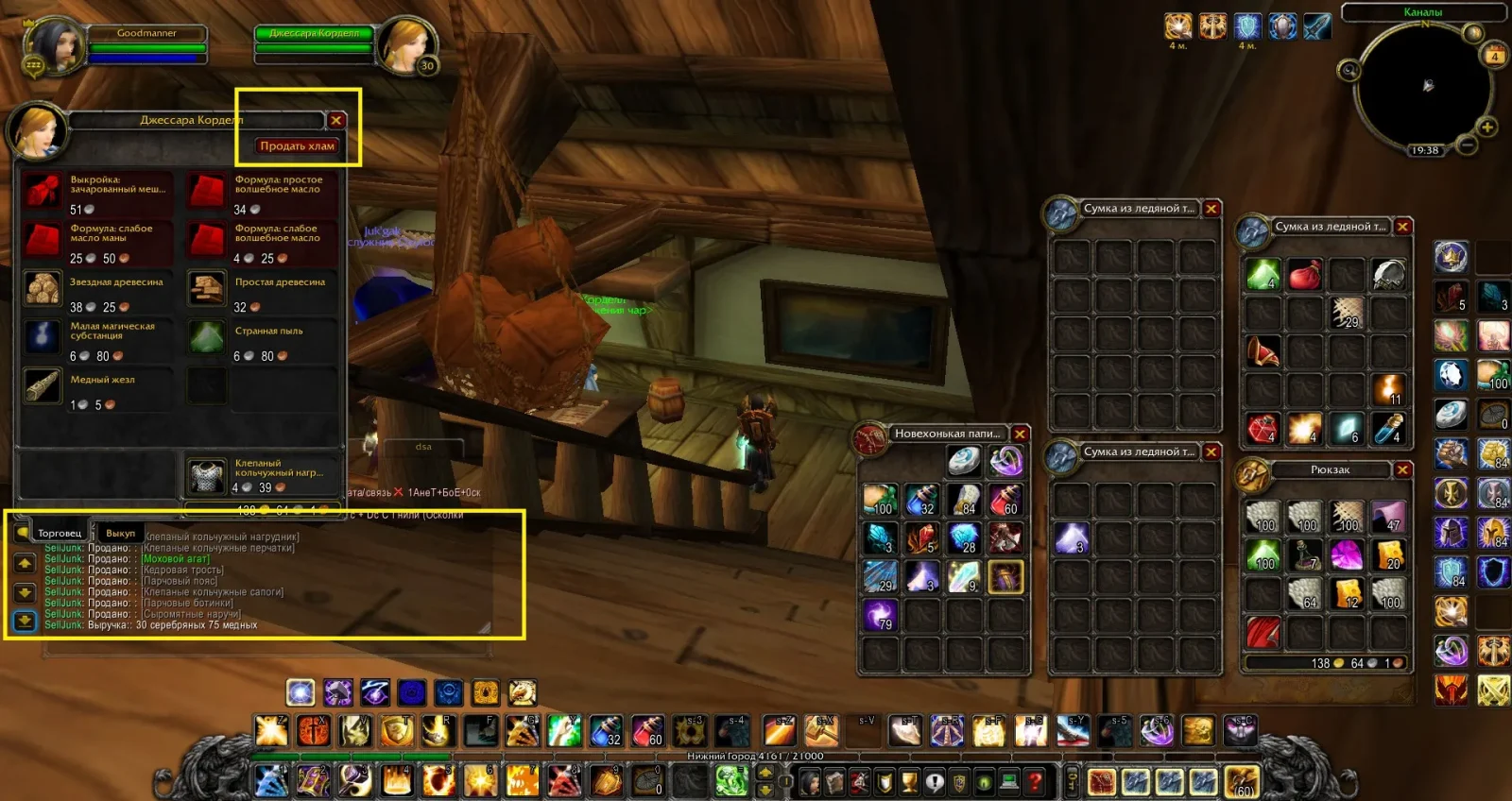
 Settings
/sj - also the addon settings window
Auxiliary commands (written without square brackets):
/sj add [name] - add an item to the trash list
/sj remove [name] - remove an item from the list
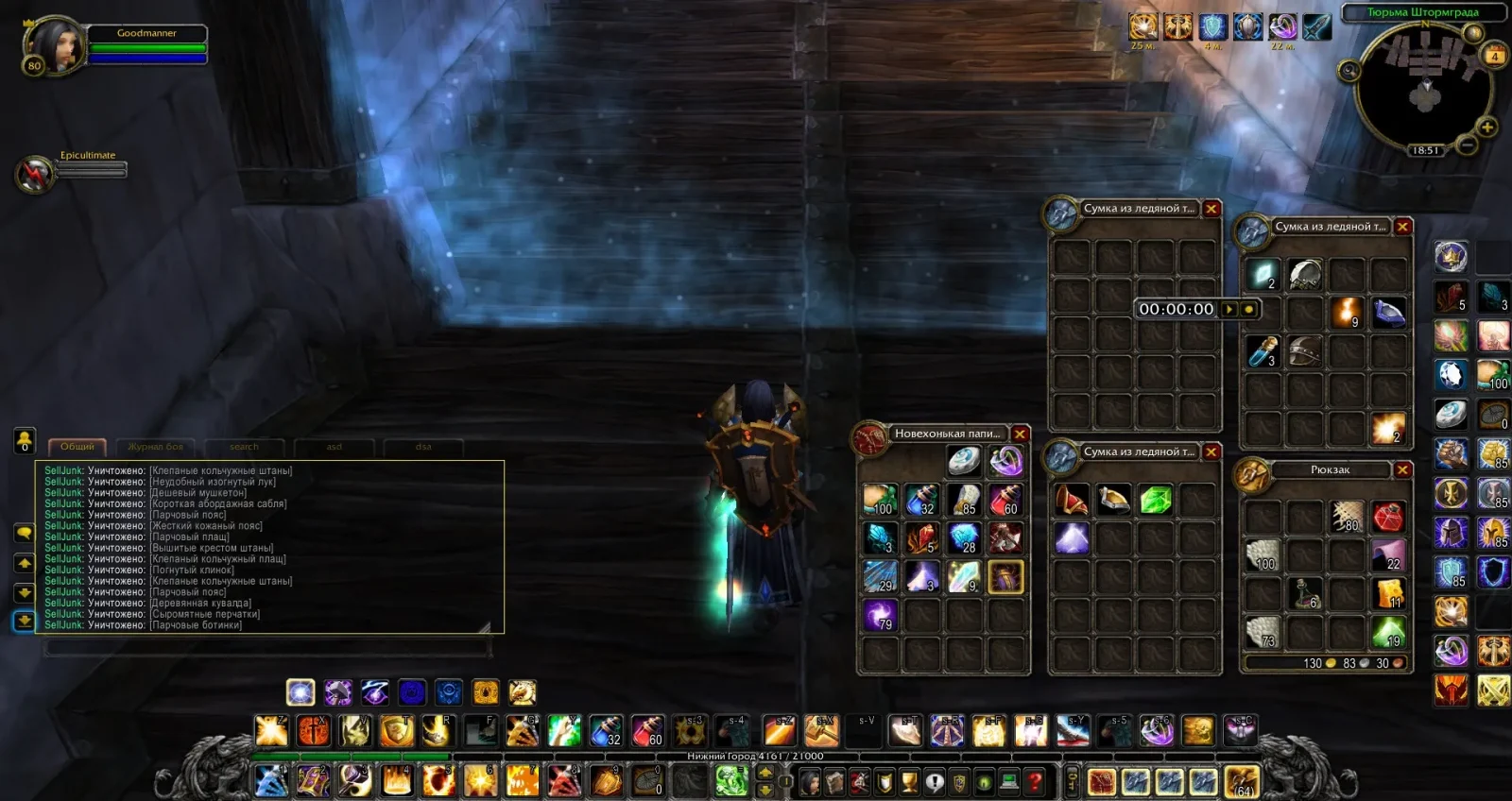
/sj destroy - destroy all garbage
/sj destroy [x] - destroy x trash items from inventory. The addon does not sort items by their value from the merchant and removes them starting from the first cells in the bag
Additional- Download the archive from our website.
- The folders must be extracted from the archive into the game folder:
Path: World of Warcraft/Interface/AddOns
If there is no Interface folder (this happens when the game has never been launched), you should create it and the AddOns folder, observing the case. Or simply enter the world as any character and folders will be created on their own. - Launch the game, log into your account, open "Modifications" (bottom left button) and check if the addon is enabled.
- Enter the world, make sure that the addon is working and, if necessary, configure it.