Log in

 Poisoner
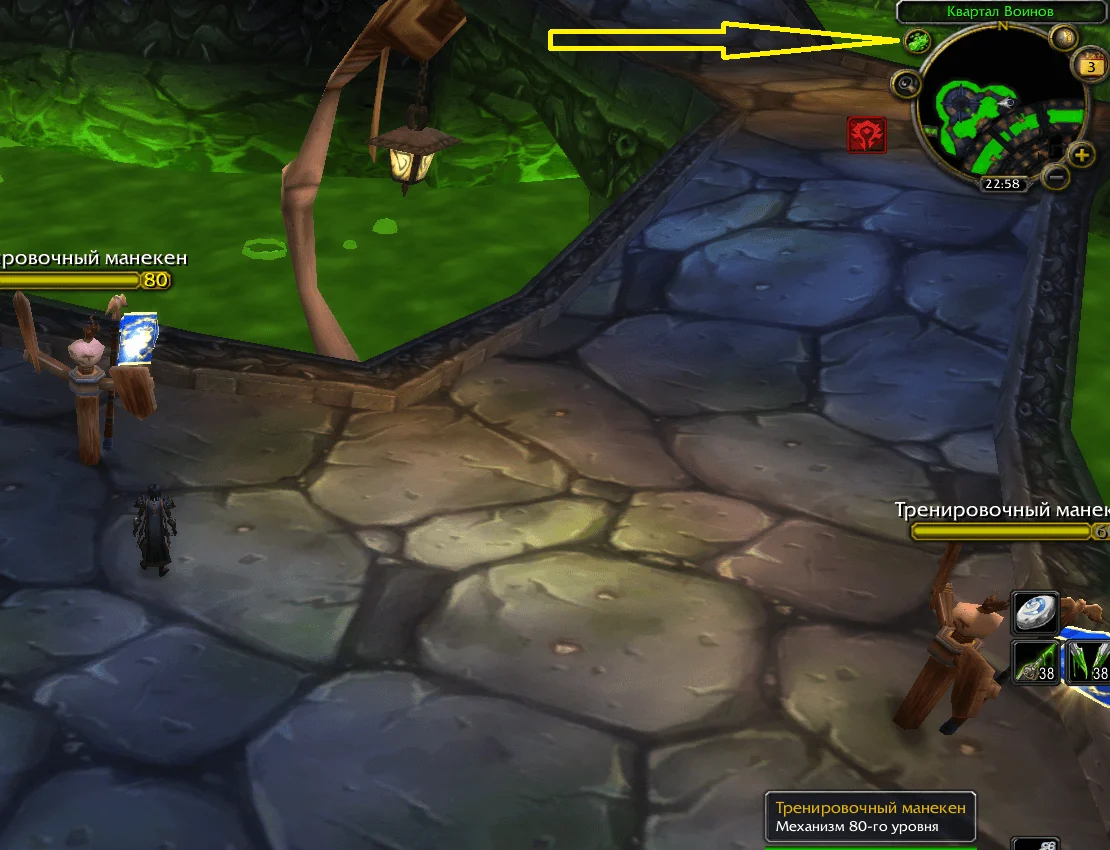
 FeaturesSettings
LMB (left mouse button) on poison - lubricate the weapon in the RIGHT hand (main weapon). Accordingly, RMB is in the left.
Additional- Download the archive from our website.
- The folders must be extracted from the archive into the game folder:
Path: World of Warcraft/Interface/AddOns
If there is no Interface folder (this happens when the game has never been launched), you should create it and the AddOns folder, observing the case. Or simply enter the world as any character and folders will be created on their own. - Launch the game, log into your account, open "Modifications" (bottom left button) and check if the addon is enabled.
- Enter the world, make sure that the addon is working and, if necessary, configure it.