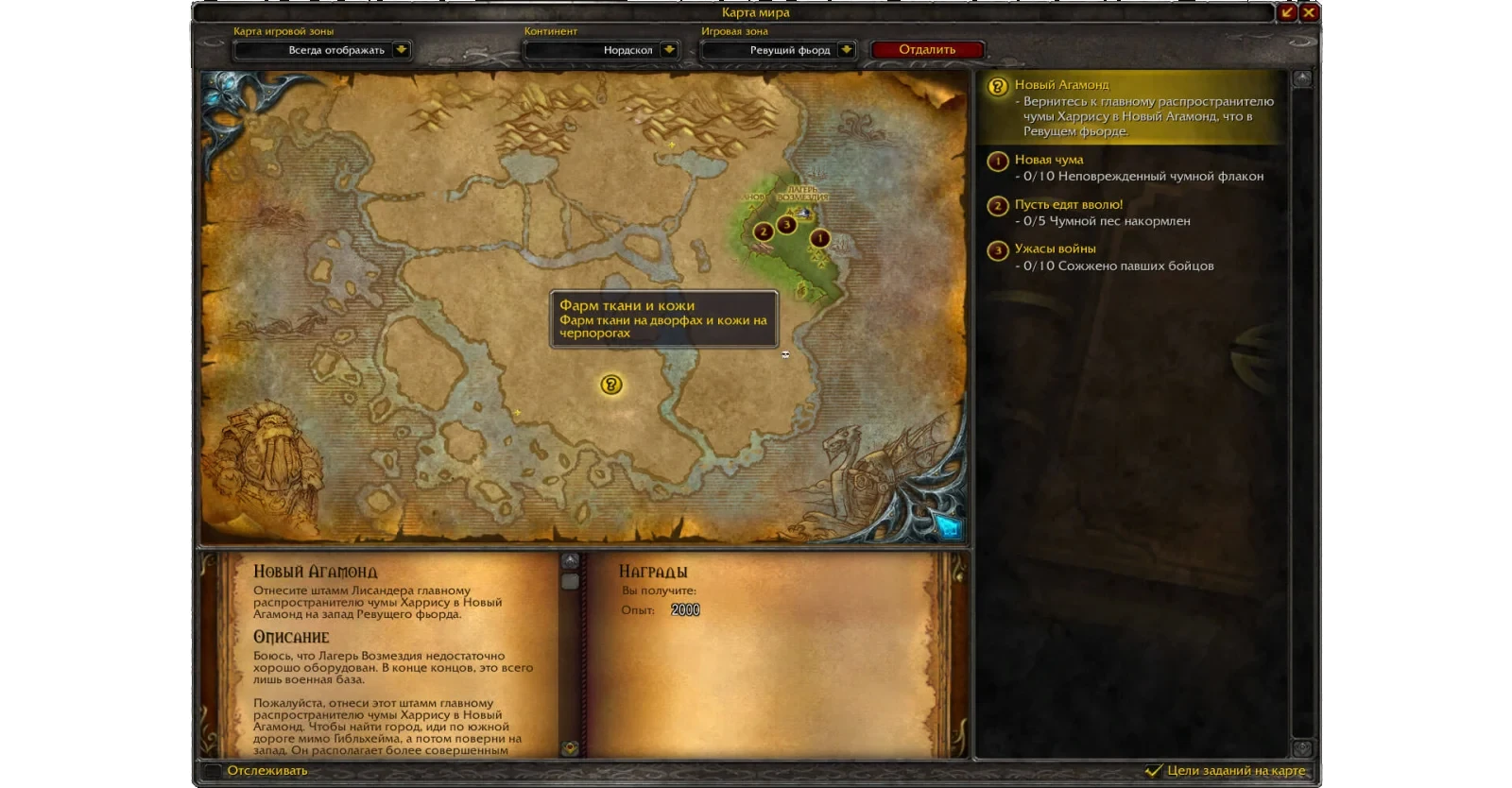
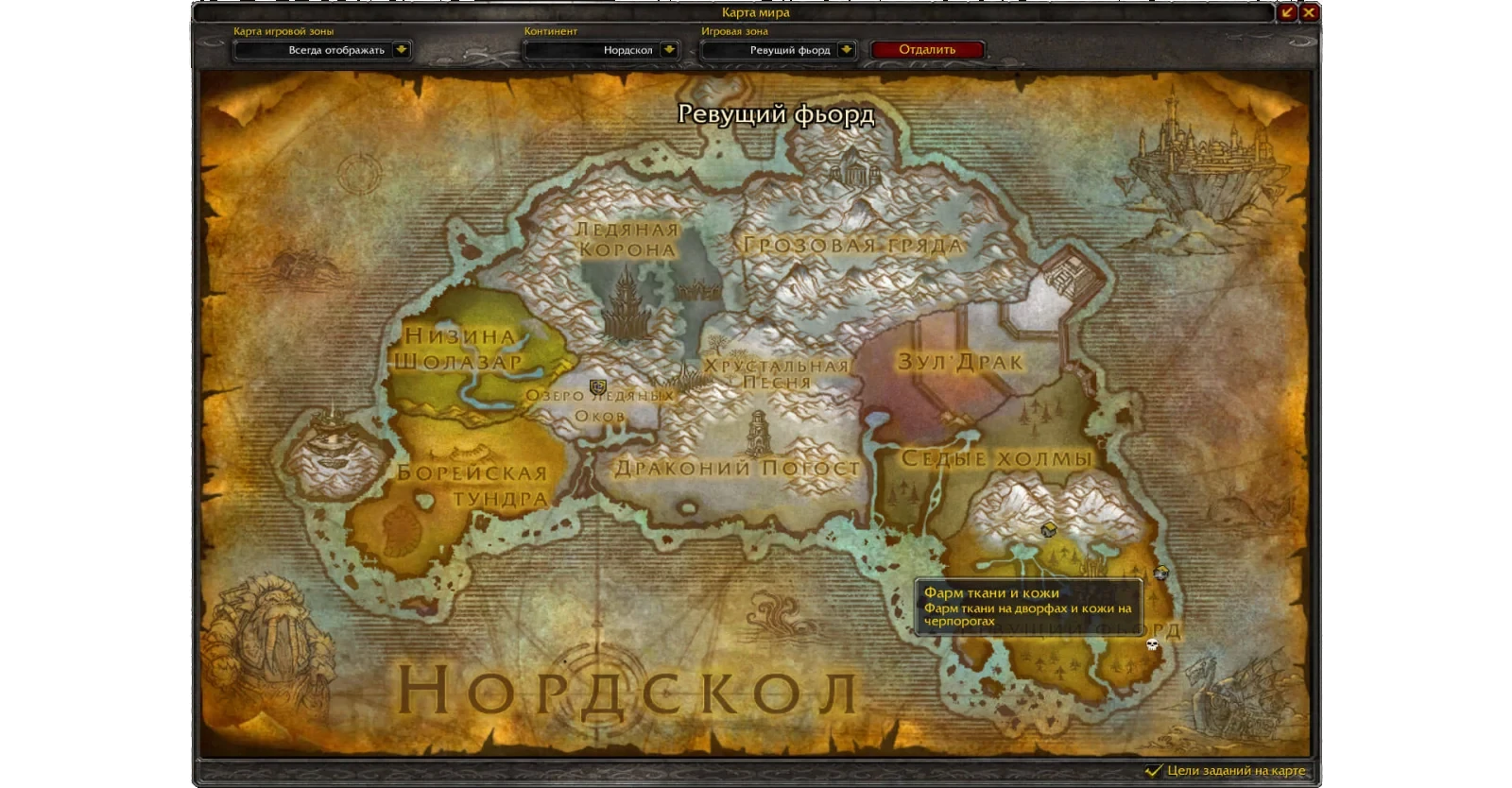
The addon allows you to make notes on the map.


A lightweight but very useful addon./handynotes or "Settings" -> "Interface" -> "Modifications" -> "HandyNotes" - window addon settings.
You can create a note in 3 ways:
1) Alt+RMB on the map, then close the map and the note creation window will appear
2) /hnnew - create a note with the coordinates where your character is located
3) /hnnew x,y - creating a note at the specified x and y coordinates.


A lightweight but very useful addon./handynotes or "Settings" -> "Interface" -> "Modifications" -> "HandyNotes" - window addon settings.You can create a note in 3 ways:
1) Alt+RMB on the map, then close the map and the note creation window will appear
2) /hnnew - create a note with the coordinates where your character is located
3) /hnnew x,y - creating a note at the specified x and y coordinates.
